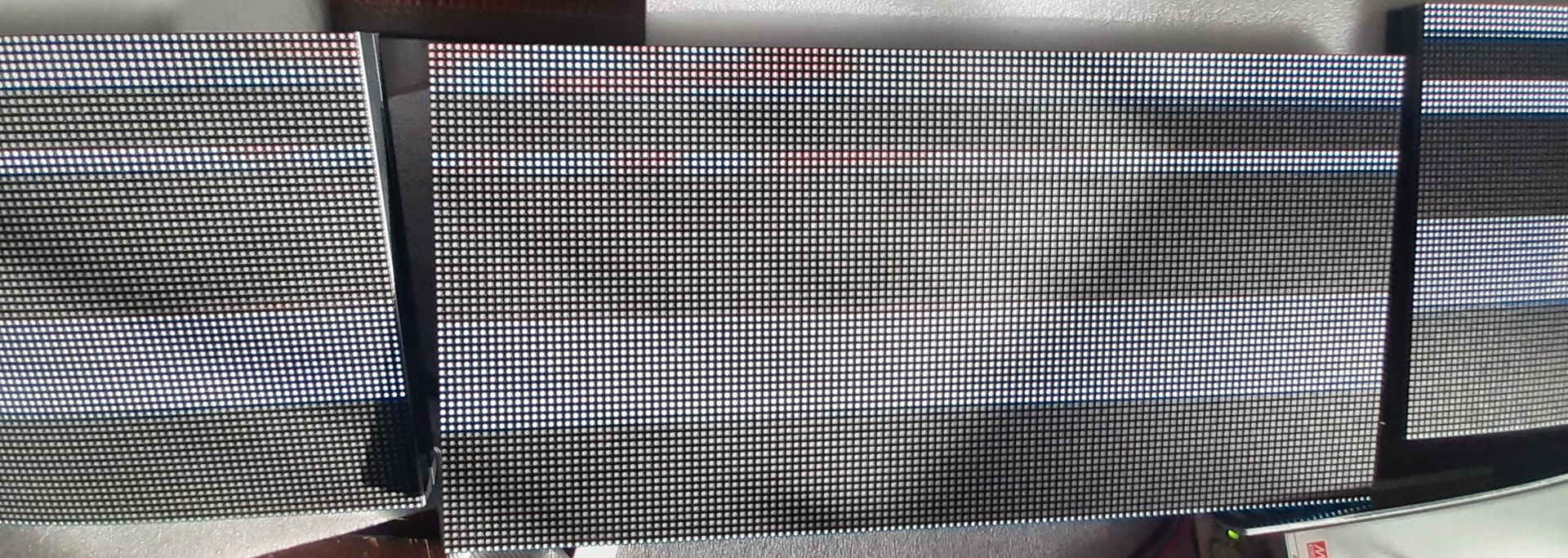
Hey @giga45632 Looks like I got the same panels of yours, What was your start command for testing with all the parameters? Looks like I got the newer board but will try the ping out you did for the e line.
I’m using the Electrodragon board and on the Pi 4 I’ve installed a Flask server to send Python scripts via a web page: here’s an example that works for me:
#!/usr/bin/env python3
# /home/pi/scripts/spiral_galaxy.py

from rgbmatrix import RGBMatrix, RGBMatrixOptions
import time
import math

# Configuration matrice LED
options = RGBMatrixOptions()
options.rows = 64
options.cols = 128
options.chain_length = 2
options.parallel = 2
options.hardware_mapping = "regular"
options.panel_type = "FM6126A"
options.gpio_slowdown = 4
options.brightness = 70
options.drop_privileges = False

matrix = RGBMatrix(options=options)
width, height = matrix.width, matrix.height

print(f"Spirales galactiques - Matrice: {width}x{height}")

def spiral_effect():
    """Effet de spirales galactiques tournantes"""
    canvas = matrix.CreateFrameCanvas()
    center_x, center_y = width // 2, height // 2
    angle = 0

    try:
        while True:
            canvas.Clear()

            # Dessiner des spirales multiples
            for spiral in range(3):
                spiral_angle = angle + spiral * (2 * math.pi / 3)

                for r in range(1, min(center_x, center_y)):
                    # Position sur la spirale
                    theta = r * 0.2 + spiral_angle
                    x = center_x + int(r * math.cos(theta))
                    y = center_y + int(r * math.sin(theta))

                    if 0 <= x < width and 0 <= y < height:
                        # Couleur basée sur la position et l'angle
                        hue = (r * 10 + angle * 50) % 360
                        saturation = 0.8
                        value = max(0.3, 1.0 - r / min(center_x, center_y))

                        # Conversion HSV vers RGB simplifiée
                        if hue < 120:
                            r_color = int(255 * (1 - hue/120) * value)
                            g_color = int(255 * (hue/120) * value)
                            b_color = 0
                        elif hue < 240:
                            r_color = 0
                            g_color = int(255 * (1 - (hue-120)/120) * value)
                            b_color = int(255 * ((hue-120)/120) * value)
                        else:
                            r_color = int(255 * ((hue-240)/120) * value)
                            g_color = 0
                            b_color = int(255 * (1 - (hue-240)/120) * value)

                        canvas.SetPixel(x, y, r_color, g_color, b_color)

            canvas = matrix.SwapOnVSync(canvas)
            angle += 0.1
            time.sleep(0.05)

    except KeyboardInterrupt:
        print("Spirales arrêtées")
    finally:
        matrix.Clear()

if __name__ == "__main__":
    spiral_effect()
Was a huge help and got my screen up and working. Looks like you probably got the same 4 pack of panels I did and are running them the same.
How is your refresh rate using the pi 4? Im using a 3b+ and displaying an image with a mixture of settings cant seem to get over 280hz. Wondering if it is worth changing to the 4. Looking at htop the 4th core is pegged at 100% and have done adding isolcpus=3 to the boot.
Ive also tried locking the refresh rate to like 100hz which is a a good bit below and still seem to be getting this faint flickering across the entire panel.