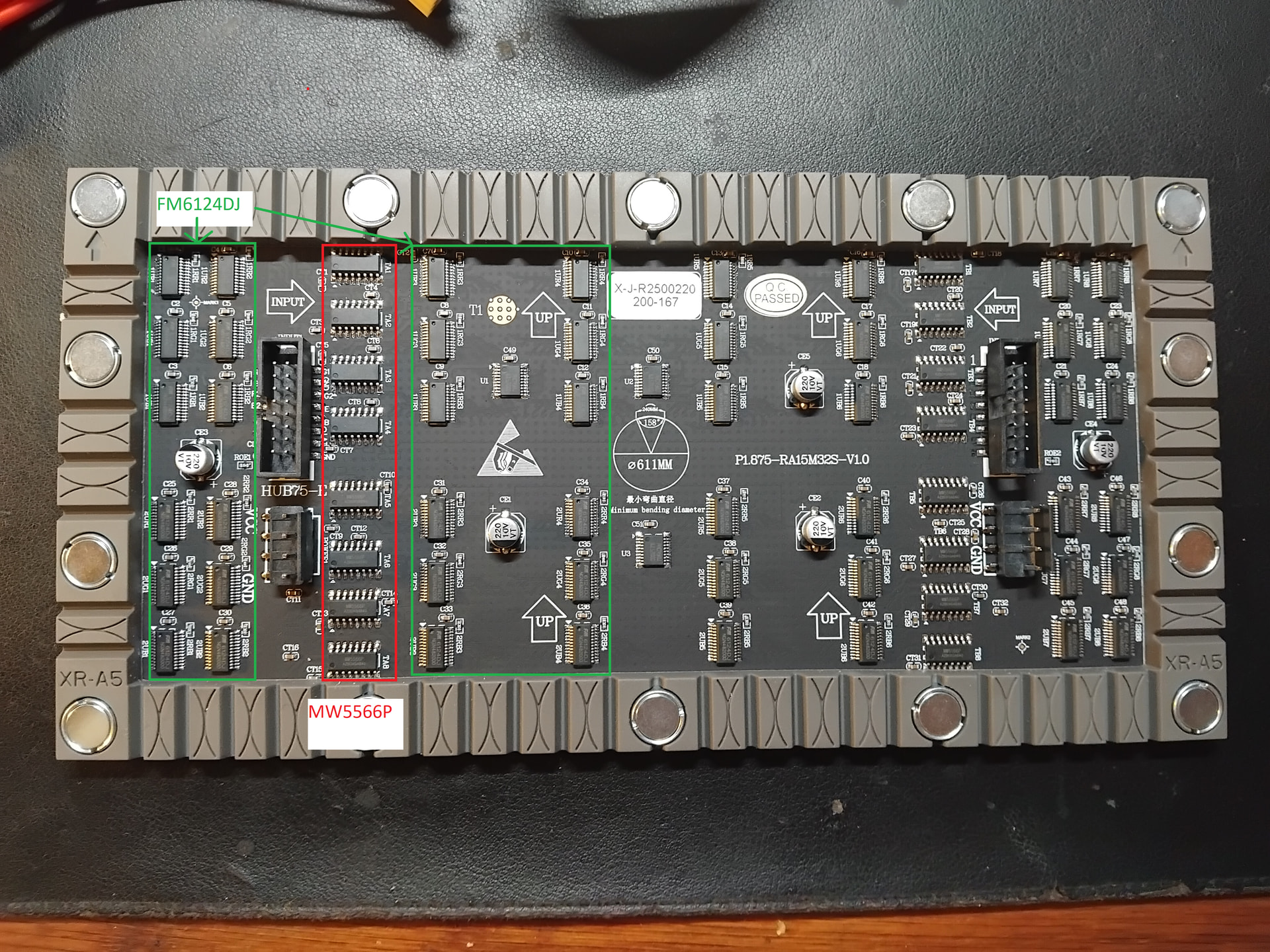
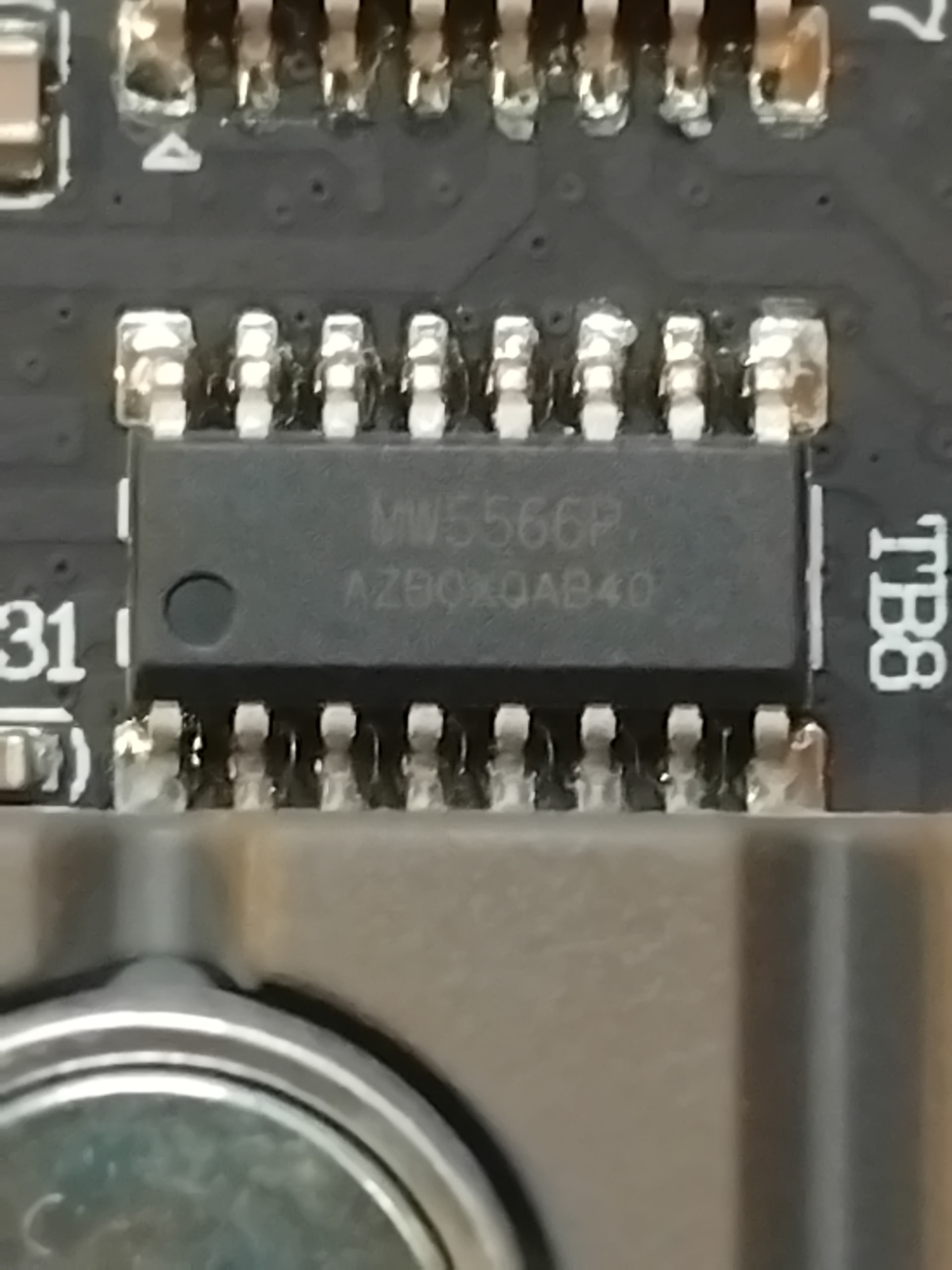
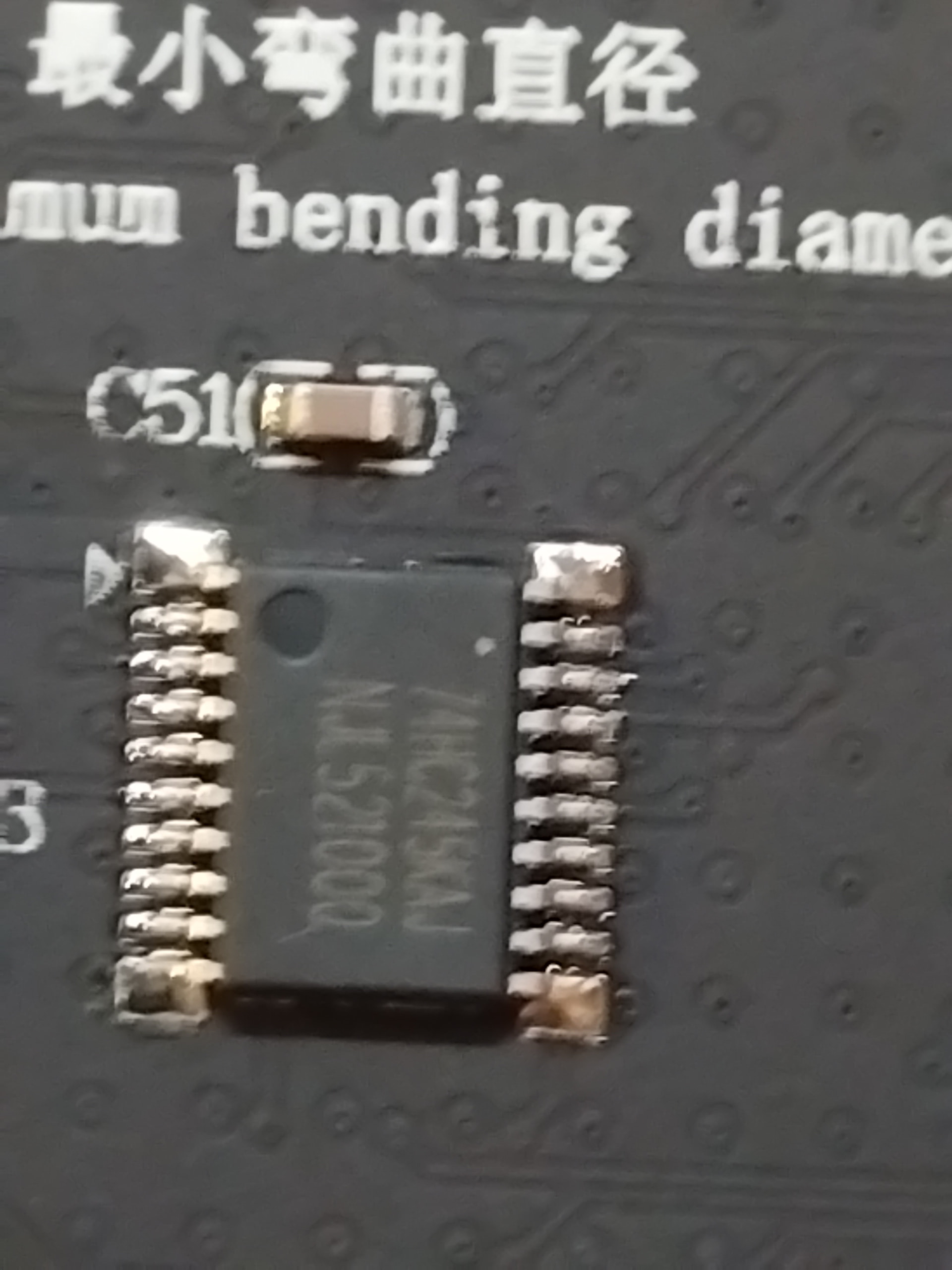
it looks like a ABC panel.
I don’t have a datasheet for the MW5566 line driver chip, but according to indirect references on Chinese websites, it’s a shift-register (or 595) type multiplexer.
If so, you need using the option --led-row-addr-type=5 with it.
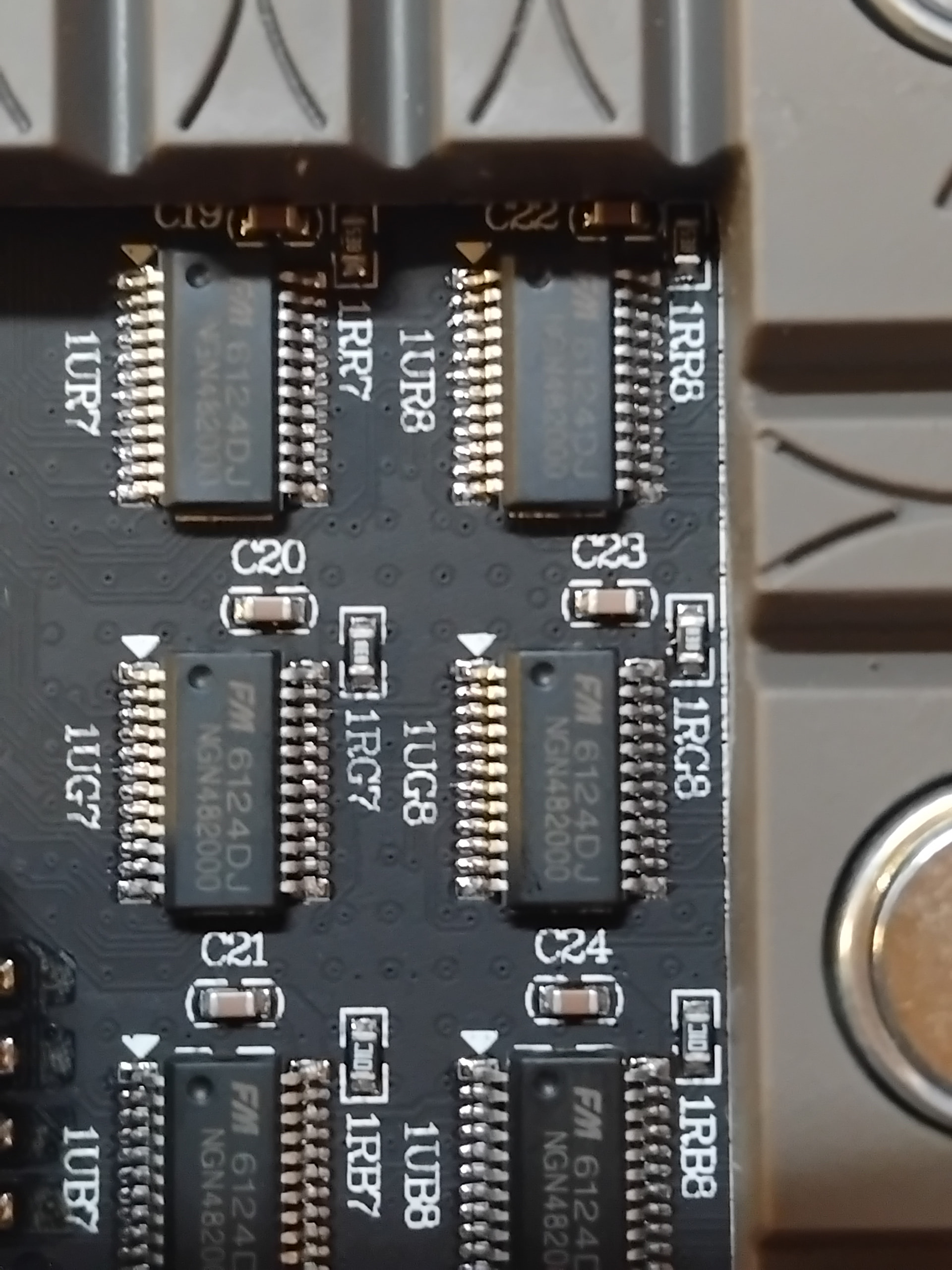
The main led driver FM6124, as far I know, doesn’t require any specific settings to work.
it can work with another lib if it supports PWM, this lib does not as of today, which is the answer for the original poster.
That said, if adafruit has a PWM lib that works, that may be helpful to @board707
The pin markings on connector don’t matter much, as silkscreen on the panel is often printed without regard for a specific pinout.
Your panel only uses ABC pins. You can disconnect the D and E pins and check—nothing should change.
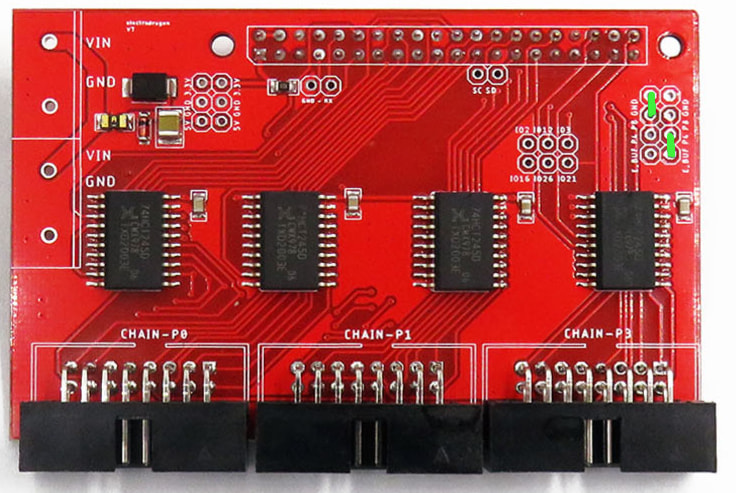
Well I disconnected the CHAIN-SETUP jumpers on the Electrodragon board (Configuring the E pin), and indeed nothing changed. @marcmerlin can you advise? Does this mean the board is ABC?
Here are some close-ups of the chips - about as good as I can do without a macro lens methinks
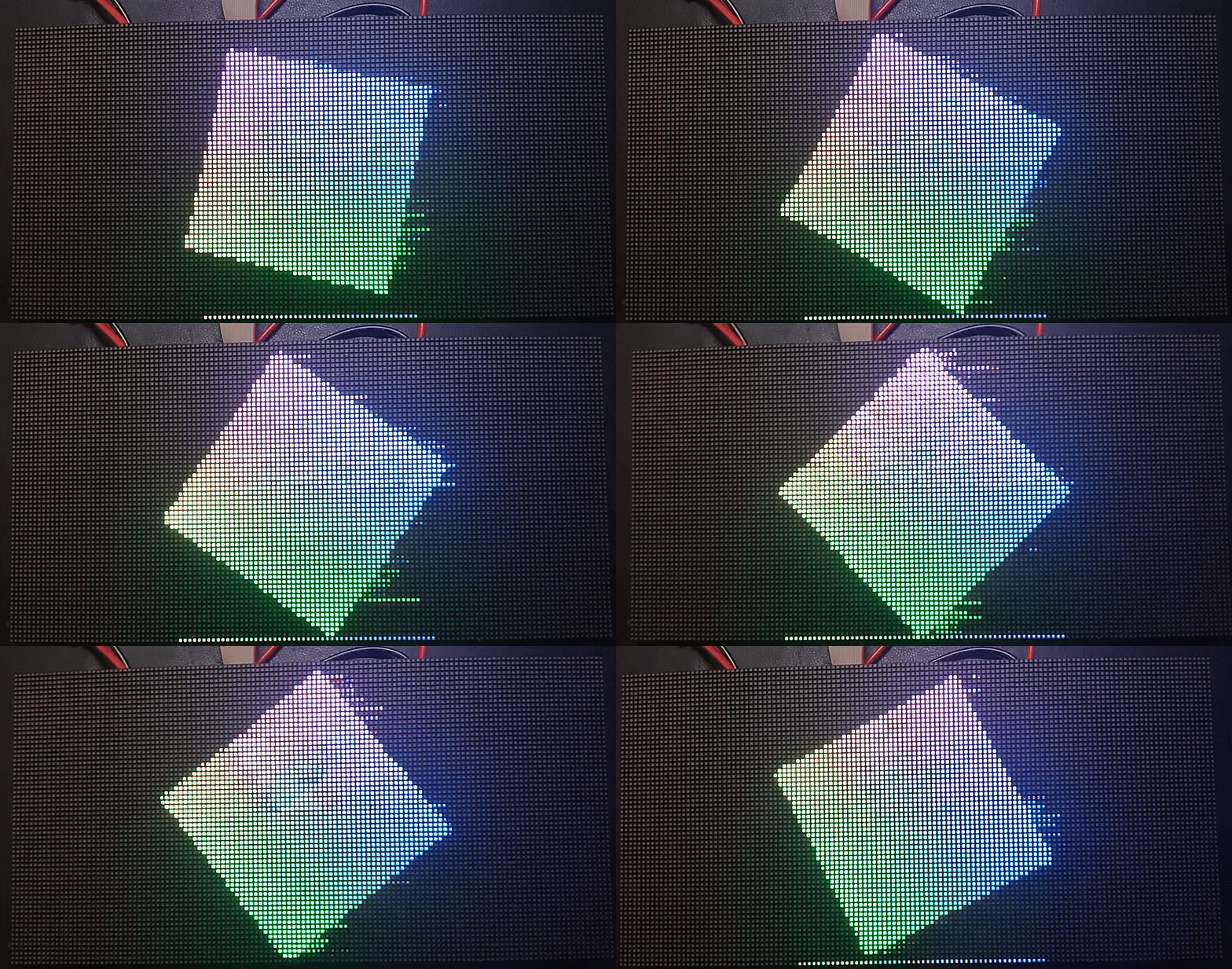
Yeah, I have it working, but I am seeing an occaisional slight dimming. Not a flicker (As in breifly no image), just a dimming. It’s hard to describe, it’s like you are blinking when you aren’t.
It appears to be CPU related - if I have htop running while the app is running, it’s even more frequent.
It’s a pi zero W 2
This is with my C# app calling led-image-viewer though (And it also has a web REST server running), so I suspect it’s more to do with that.
Even just with the led-image-viewer run on it’s own from the command-line, core #3 is pegged at 100% when showing an animation - is this to be expected?
I get ~370hz with the following command-line:
`led-image-viewer --led-rows=64 --led-cols=128 --led-row-addr-type=5 --led-slowdown-gpio=2 --led-parallel=2 --led-show-refresh --led-pwm-dither-bits=1 --led-pwm-lsb-nanoseconds=50 --led-pwm-bits=7 polygonmorph.stream`
If I use this, I only get ~100hz, but core #3 is at 75%
`../led-image-viewer --led-rows=64 --led-cols=128 --led-row-addr-type=5 --led-slowdown-gpio=2 --led-parallel=2 --led-show-refresh polygonmorph.stream`
Any of the parameters –led-pwm-dither-bits=1 --led-pwm-lsb-nanoseconds=50 --led-pwm-bits=7 all put CPU at 100%
Yeah, I get this at times too, it’s a hard to problem to pin down, no one has found a full fix for it unfortunately.
The more bright and white you go, the more it happens, and it’s not just because of power.
Yes it’s normal to have one core be 100%, it’s to make sure it outputs as fast as GPIO allows with as little flickering as possible.